I have an image being displayed on a webpage, I need that image to have a chrome effect. Whenever I Google anything with the word "Chrome", it just brings up results linked to Google Chrome browser - which is not what I am after
It is used for a car dealerships website to make the first featured image stand out.
This is what they already use (which they manually add the Chrome effect to on Paintshop Pro), I would like the website to use this effect using CSS (or another language if easier)
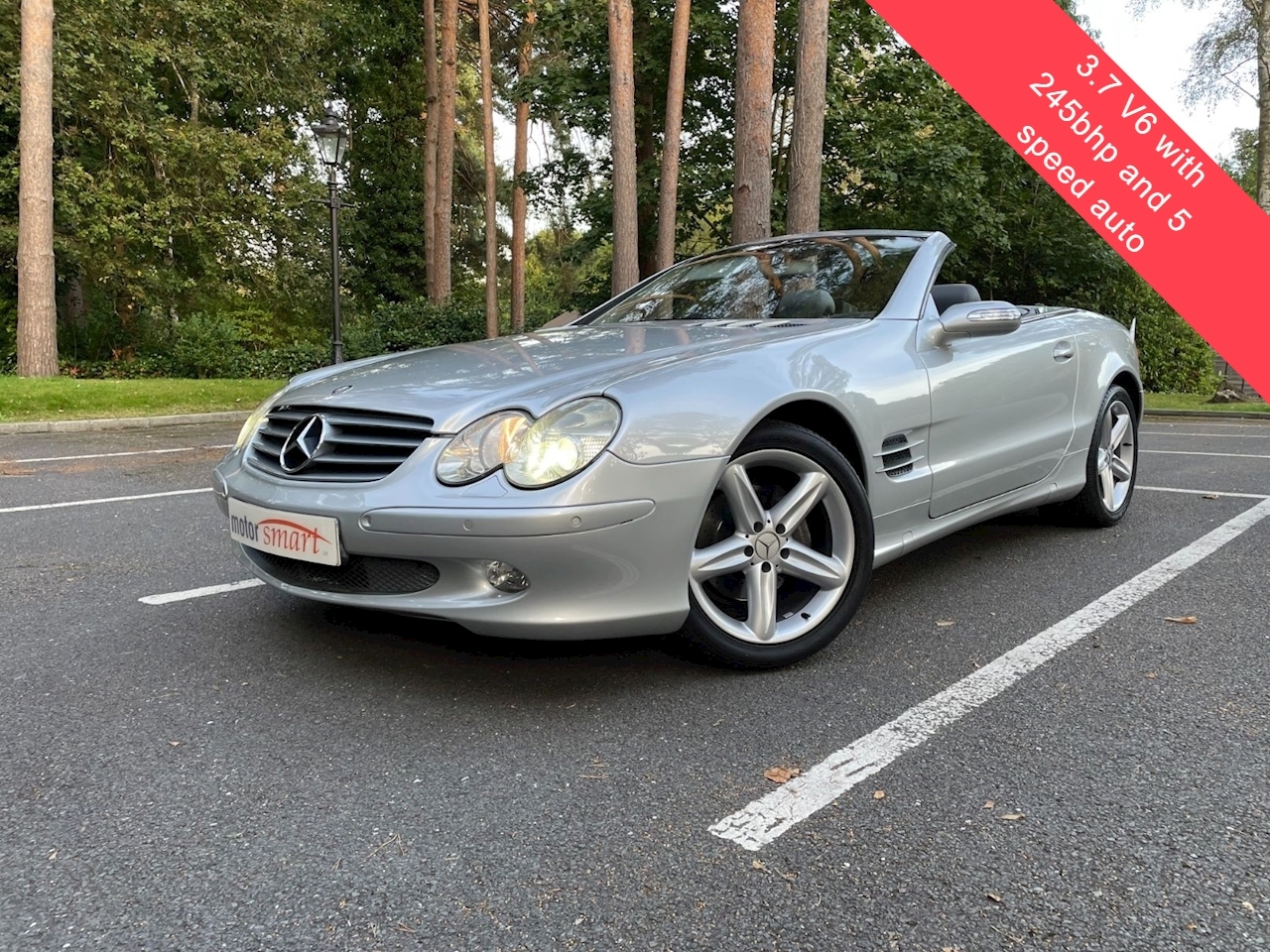
ORIGINAL IMAGE: https://f7432d8eadcf865aa9d9-9c672a3a4ecaaacdf2fee3b3e6fd2716.ssl.cf3.rackcdn.com/C642/U1793/IMG_7200-large.jpg
CHROMED IMAGE: https://f7432d8eadcf865aa9d9-9c672a3a4ecaaacdf2fee3b3e6fd2716.ssl.cf3.rackcdn.com/C642/U1793/IMG_7117-large.jpg
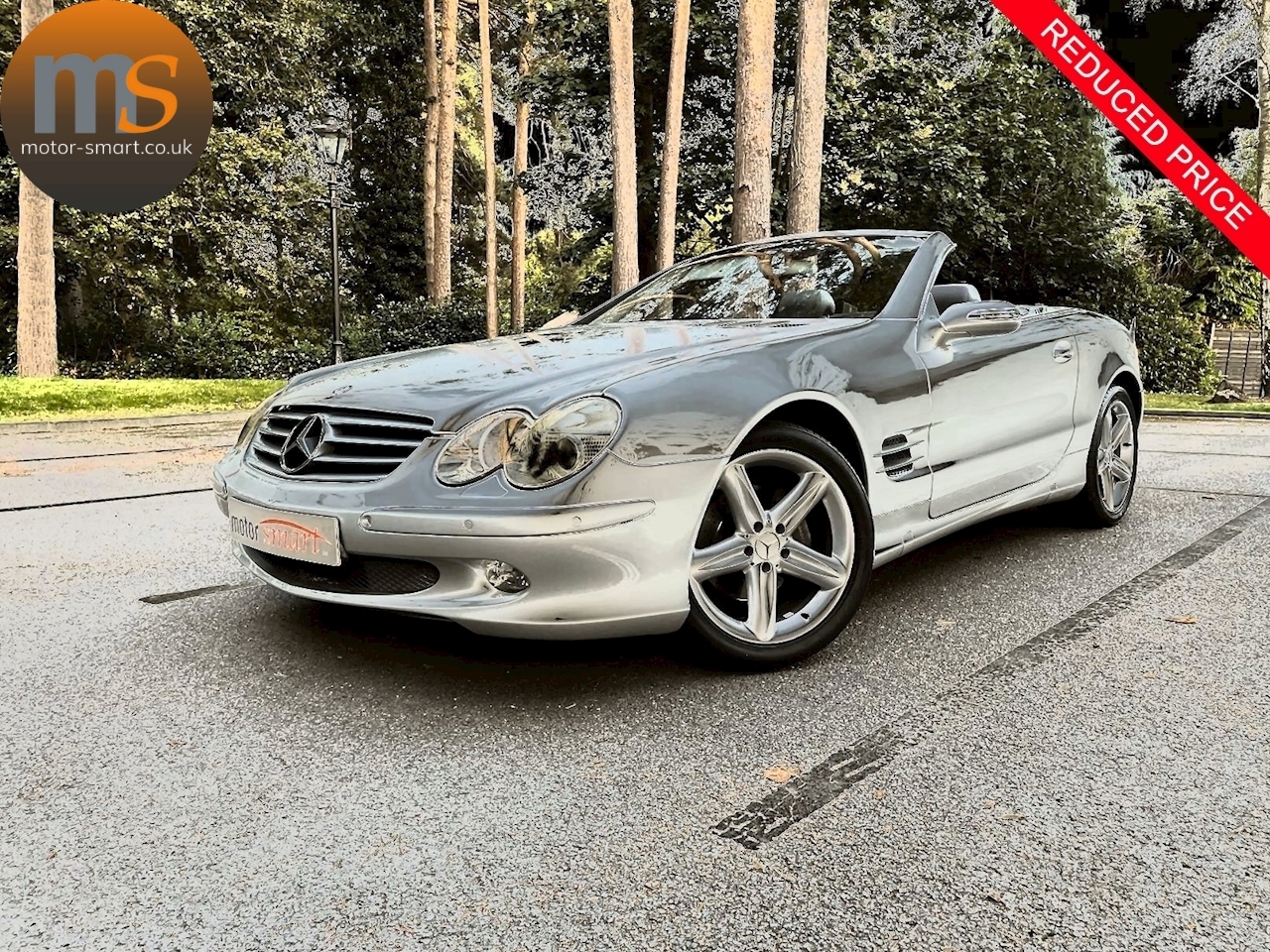
If anyone has any Advanced CSS to add this Chrome filter to the image, to make it like the above as possible, that would be great