I am looking at this svg icon: https://www.iconfinder.com/icons/352263/cancel_icon
How do I give the x inside of the circle a color other than transparent?
<svg viewBox="0 0 48 48" xmlns="http://www.w3.org/2000/svg">
    <path d="M24 4C12.95 4 4 12.95 4 24s8.95 20 20 20 20-8.95 20-20S35.05 4 24 4zm10 27.17L31.17 34 24 26.83 16.83 34 14 31.17 21.17 24 14 16.83 16.83 14 24 21.17 31.17 14 34 16.83 26.83 24 34 31.17z" fill="#b01e1e" class="fill-000000"></path>
    <path d="M0 0h48v48H0z" fill="none"></path>
</svg>
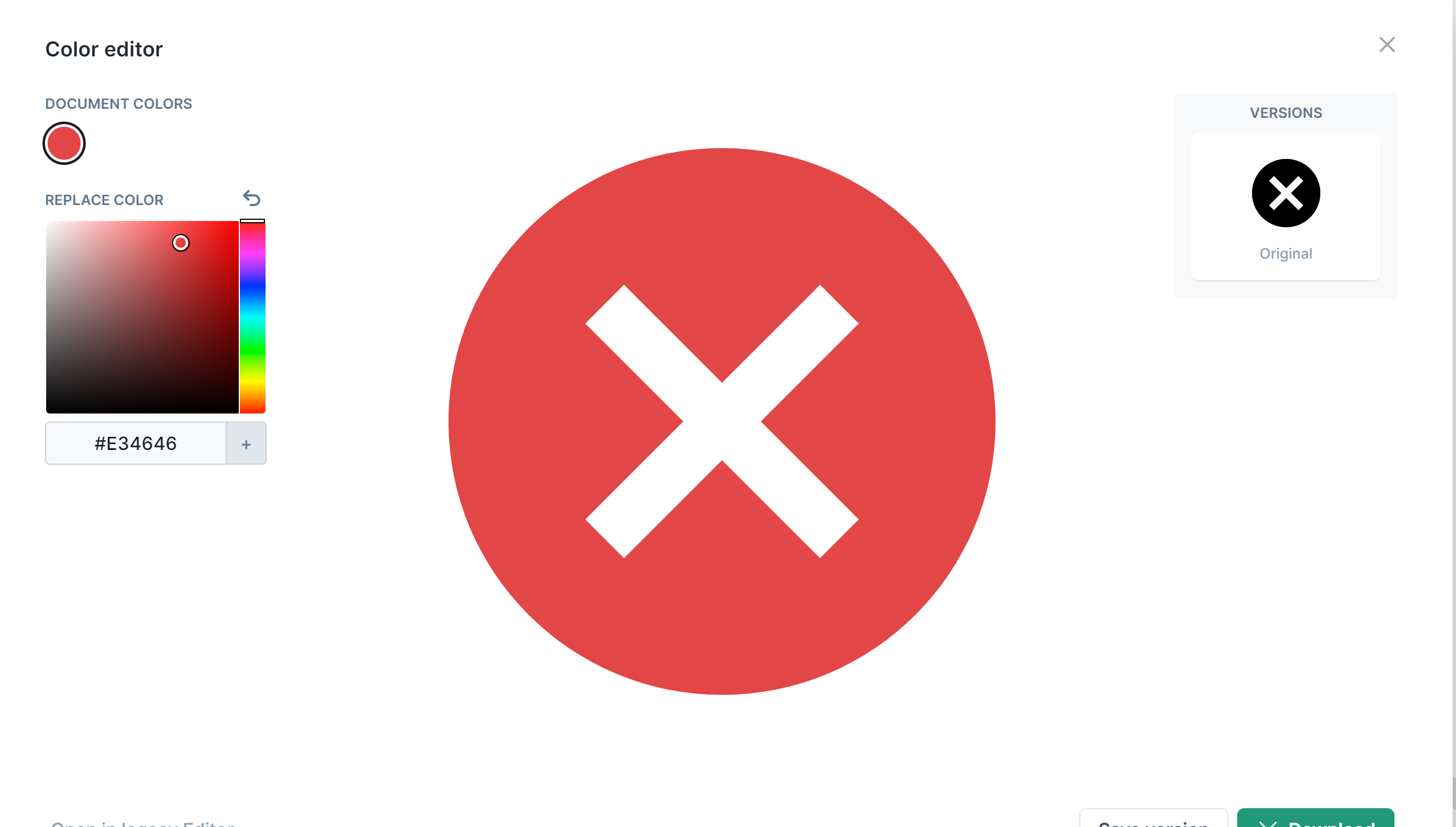
Try using a different svg icon since your current svg does not have a
fillproperty of theXpartThis should help you out: Change the
fillproperty to be ahex or rgbacolor or a predefined color name, for eg. ahexcolor code of red is#f00